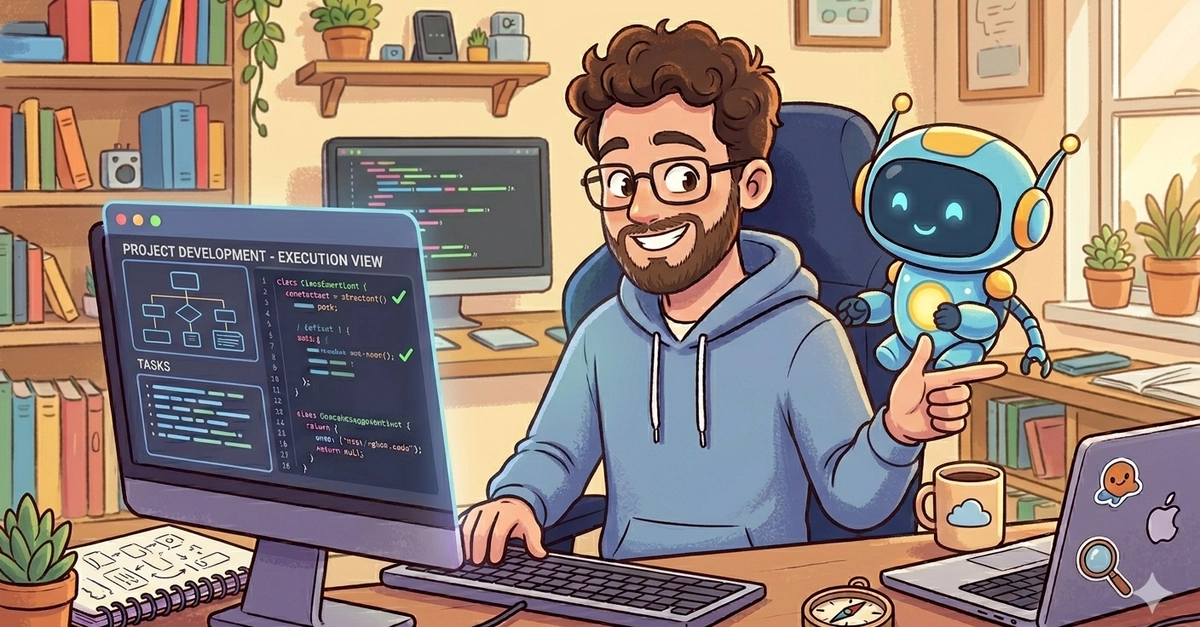
And just like that, a cascade of syntax errors threatened to bury the entire commit. Red squiggles bloomed across the screen, each one a tiny digital scream. But before panic could set in, before the familiar dread of debugging sessions could grip the coder, a well-placed keystroke—Esc—interrupted the AI’s enthusiastic, if misguided, suggestions. This isn’t some futuristic sci-fi scene; it’s a glimpse into a rapidly evolving reality where artificial intelligence isn’t just a tool, but a fundamental partner in the act of creation.
We’re talking about ‘vibe coding,’ a term that sounds like it belongs on a mood board for a startup pitch, but here, it’s the bedrock of a practical, human-centric workflow. This isn’t about handing over the reins entirely. Far from it. It’s about a deliberate, almost artful dance between human intent and AI capability. Think of it less like an autopilot and more like an incredibly skilled, infinitely patient navigator who’s always ready with an opinion—an opinion you’re free to accept, reject, or critically analyze. The core idea is to keep the human—that’s you—firmly in control, directing the flow, validating the output, and ensuring the final product isn’t just functional, but right.
Disagreement is the Engine
Most of us have heard the platitude: “Use AI for planning from the start because initial setup is critical.” The author of this workflow? They fundamentally disagree. And frankly, so do I. Initial setup is critical, yes, but that doesn’t mean it’s a good idea to outsource your strategic thinking to a machine right out of the gate. It’s like asking an architect to design a skyscraper based solely on the feeling you get when you look at a cloud. You need the blueprint, the intention, first. So, what happens in practice? The developer writes their own plan, documents requirements meticulously in a file like claude.md, and then presents this to the AI. It’s a negotiation, a debate. You’re not just accepting; you’re questioning, you’re comparing suggestions, and you’re deciding whether to merge your brilliant idea with the AI’s perhaps more data-driven (or sometimes just plain odd) proposal.
This isn’t just about ego; it’s about efficiency and preventing the dreaded AI hallucination. By breaking down tasks into separate ‘skills’ or contexts, the AI is less likely to get lost in a sea of irrelevant information, saving precious tokens and, more importantly, ensuring accuracy. It’s a disciplined approach, a reminder that even in the age of AI, thought leadership still resides with the human.
Why Are We Even Talking About This?
Because this is the platform shift we’ve been waiting for. We’re not just seeing better autocompletion; we’re witnessing the birth of a new programming paradigm. It’s a paradigm where the bottleneck isn’t just the speed of typing or the depth of one’s own knowledge, but the ability to effectively collaborate with a powerful, intelligent, and frankly, sometimes opinionated, digital entity. The author frames it around Claude Code, but the principles are universal. This is about augmenting human capability, not replacing it.
Think back to the introduction of the compiler. It was a revolution, freeing programmers from the tyranny of assembly language. Then came IDEs, version control, and automated testing—each a layer of abstraction, a boost in productivity. AI, when wielded with this kind of deliberate control, is the next, arguably the greatest, leap. It’s not just writing code faster; it’s about thinking about code differently. It’s about focusing on the why and the what, while the AI tackles a significant portion of the how.
Here’s the core philosophy:
Once we agree on the plan, I tell Claude to proceed, but I stay hands-on. I interrupt and ask why before accepting any change which I don’t fully understand. If I disagree, I propose my approach instead.
This isn’t a passive observation; it’s active co-creation. It’s about using AI as a supercharged intern that needs constant, clear direction and frequent sanity checks.
Bug Squashing with Precision
Bugs. The bane of every developer’s existence. This workflow offers a nuanced approach. For simple issues, the human touch is often fastest. Why involve an AI when you can spot the typo yourself in seconds? But when the bug is a tangled knot, the AI becomes an invaluable detective. The key? Don’t feed it the entire haystack. Instead of pasting a verbose traceback, a targeted approach—sharing the core exception and the line number—yields faster, more accurate results and, crucially, saves tokens. It’s a small trick, but in the economics of AI usage, every token counts. Once the AI diagnoses the problem, the human architect draws up the fix, and then the AI is brought in to implement. It’s a meticulous, step-by-step process, ensuring that the fix is not just applied, but understood and validated.
A Word on Client Approval
It’s refreshing to see this brought up. The author wisely notes that using tools like Claude Code for client projects requires explicit approval. It’s a reminder that ethical considerations and client trust are paramount. If a client isn’t comfortable, the developer builds it themselves. No magic, no shortcuts, just good old-fashioned development. This is a crucial distinction often glossed over in the breathless rush to adopt new tech.
This method isn’t about magic or finding hidden shortcuts. It’s about control, about intelligent delegation, and about understanding that AI, at its best, is a tool to amplify human ingenuity, not a replacement for it. It’s a blueprint for a future where coding is a collaborative art form, orchestrated by human vision and executed with AI’s tireless effort.
🧬 Related Insights
- Read more: Gemma 4 Takes on Credit Card Chaos: Open Source AI’s New Gig
- Read more: Claude Code Sync: Taming Your AI Setup’s Wild Machines
Frequently Asked Questions
What is ‘vibe coding’? ‘Vibe coding’ refers to a developer workflow that emphasizes human control and intention when using AI coding assistants, like Claude Code. It involves human planning, critical review, and direct intervention rather than fully automating the coding process.
Can I use this workflow with any AI coding tool? While the author focuses on Claude Code, the underlying principles of human oversight, strategic planning, and phased AI involvement are generally applicable to most advanced AI coding assistants. The specific features or ‘skills’ might differ, but the philosophy of partnership remains.
Will this workflow replace the need for developers? No, this workflow is designed to augment developer capabilities. It shifts the developer’s role towards higher-level problem-solving, architectural design, and critical validation, while offloading more tedious or repetitive coding tasks to the AI.