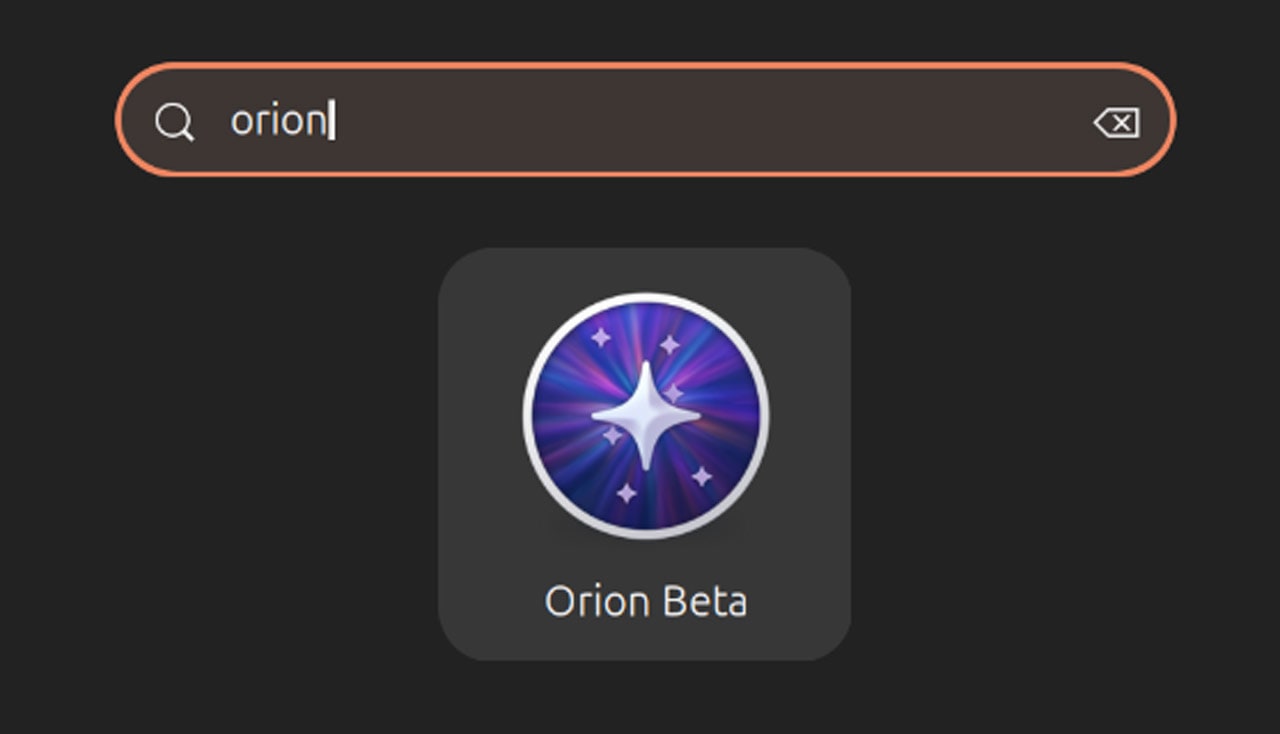
This isn’t just another browser update; it’s a tectonic shift for how we experience the web on Linux. The arrival of Orion for Linux’s v0.3 beta means real people get a cleaner, more controlled online environment—think of it as building a digital oasis in the often-cluttered desert of the internet.
Orion for Linux, powered by WebKitGTK and built with GTK4/libadwaita, is inching closer to its macOS sibling’s feature set. This latest beta build, aimed at gathering broader real-world feedback, isn’t just about minor tweaks; it’s about delivering fundamental browsing utilities that many of us have come to expect, and frankly, demand.
What’s truly exciting here is the addition of content blocking, supporting EasyList and EasyPrivacy filters. For too long, Linux users seeking a polished, native experience have had to compromise on this front, often relying on extensions that feel tacked on. Orion’s native integration means a smoother, more efficient browsing experience, snipping out the digital noise before it even loads.
Downloading the Noise Away
And then there’s the download manager. Yes, a download manager. In a browser. This might sound quaint to some, but for anyone who’s ever wrestled with browser-native downloads bogging down their system or failing mid-transfer, it’s a welcome addition. It’s like finally getting a proper toolbox instead of just a hammer and a prayer when you need to manage your digital assets.
The company behind Orion, Kagi, states that core features like tab management, password integration, history, focus modes, and custom search engines are already humming along nicely. But this beta represents Orion for Linux maturing into a genuinely capable tool, not just a promising experiment. Stability, too, is reportedly seeing significant gains—a necessary ingredient for any browser aiming for daily driver status.
Is This the Future of Linux Browsing?
It’s easy to get lost in the technical jargon, but here’s the human angle: this means fewer distractions, faster load times, and a more secure browsing footprint for Linux users. It means less reliance on third-party extension stores that can sometimes be a security minefield. It’s about reclaiming agency over your digital experience, one blocked ad and managed download at a time.
The progress here is genuinely remarkable. Kagi launched the alpha back in early 2026, and the initial beta in March. The leap to v0.3, just months later, shows a development pace that suggests a team truly committed to pushing the boundaries of what’s possible on the desktop Linux platform. This isn’t just about parity with macOS; it’s about crafting a superior experience built for Linux.
Kagi say Orion for Linux has “evolved into a much more capable browser” with its core browsing features like tab management, a password manager, history tracking, focus mode and custom search engines working well.
One area where Orion is still building out is cross-device sync. While the current beta offers local import/export, cloud sync is on the roadmap. This is where we see the ambition – aiming to create a truly unified browsing experience across all your devices, not just for one platform. The commitment to developing a remote sync backend, mirroring the iCloud integration on macOS/iOS, signals a long-term vision that extends beyond desktop.
And for those curious about Kagi’s paid search engine, this beta even offers a taste without a subscription. It’s a smart move, letting users experience the quality firsthand. While Kagi’s business model is rooted in its premium search, offering this as a perk in the browser beta is a clever way to build goodwill and demonstrate value.
Where to Grab It
For those eager to jump in, Orion for Linux v0.3 is available as a Flatpak for Intel/AMD and ARM64 devices. You’ll need to download it manually, as it’s not yet on Flathub. Be aware that the Flatpak utilizes the GNOME 49 runtime, so you might need to pull in a few dependencies if you’re not already running a compatible system.
Download links:
- https://orionbrowser.com/download/oriongtk.0.3.0.flatpak
- https://orionbrowser.com/download/oriongtk.0.3.0.arm.flatpak
This update is more than just features; it’s a statement. It’s a declaration that native, polished, and powerful web browsing experiences are not just possible on Linux, but are actively being built by passionate developers who understand what users truly need. The future of web browsing on Linux just got a whole lot brighter.
🧬 Related Insights
- Read more: Claude Users Waste Hours Switching Accounts? New Tool Fixes It
- Read more: How Does a Git Fork Work?