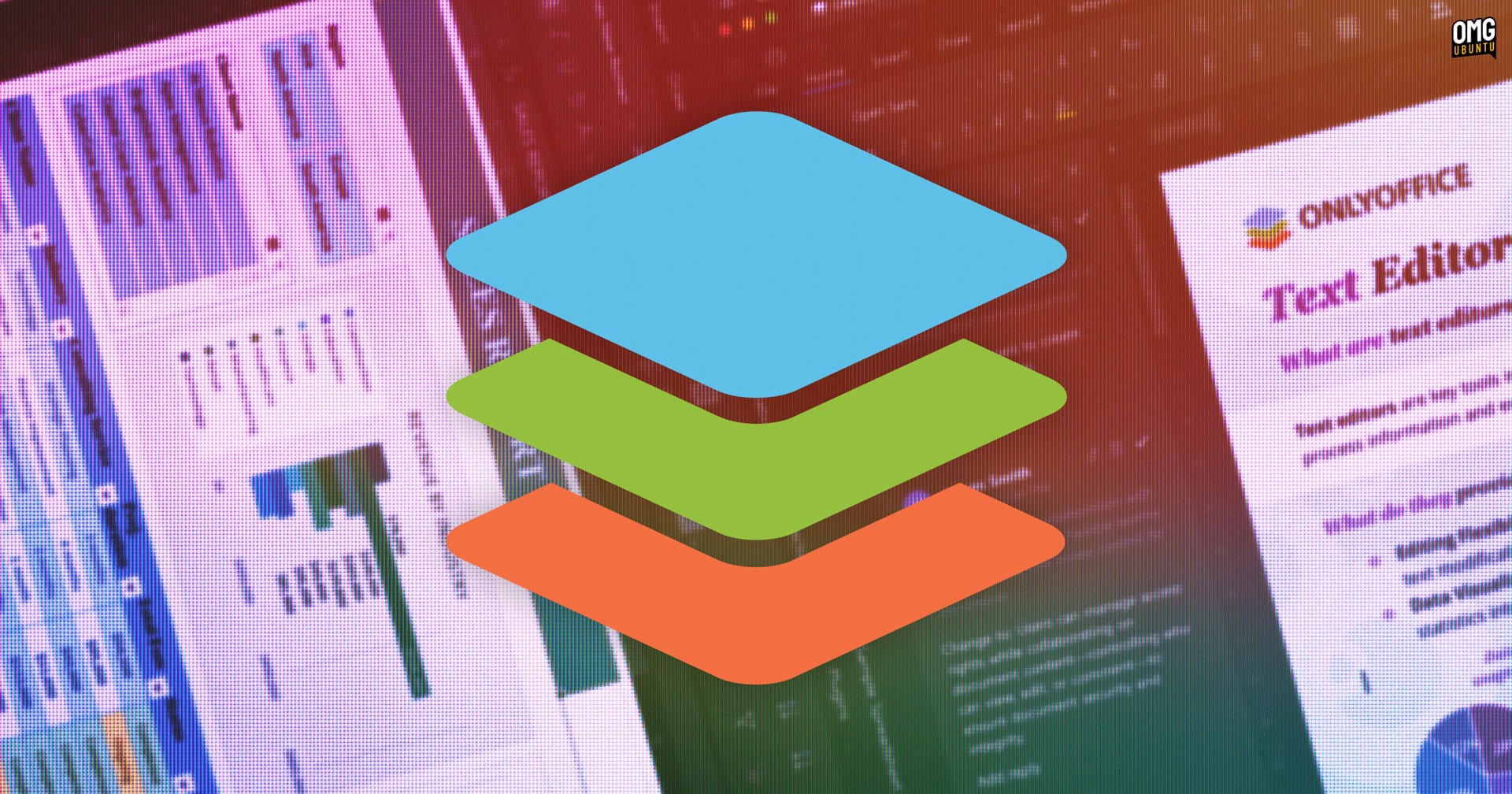
Everyone figured ONLYOFFICE 9.4 would be another incremental update—more polish, maybe a few new toys. And sure, it delivers on that. But what nobody saw coming, or at least what wasn’t explicitly telegraphed in the usual pre-release whispers, was the significant tightening of their licensing. This isn’t just about a few bug fixes and a fresh coat of paint; it feels like a deliberate, almost defiant, move in response to the ongoing spat with Euro-Office and the suspended Nextcloud partnership. It’s a statement, alright. Whether it’s the right statement remains to be seen.
Look, this whole Euro-Office fork situation has been messy. ONLYOFFICE claims AGPLv3 violations, and then poof, the Nextcloud partnership is on ice after eight years. Totally unrelated, of course. And then, like clockwork, comes 9.4 with licensing language that’s suddenly much more explicit about attribution, copyright notices, and how you label your modified versions. It still allows modifications, don’t get me wrong, but it’s apparently much less tolerant of you using their trademarks willy-nilly. They’re basically saying, “You can play with our toys, but you can’t claim they’re your toys if you just slap your name on them.”
What’s Actually New Under the Hood?
Feature-wise, it’s not a wasteland, I’ll give them that. Croatian speakers are finally getting some love with translations across the board. The chart settings, which used to clutter up the right-hand panel, have been mercifully moved into their own dedicated Chart Design space. Handy. And that Paste button in the toolbar? It now offers actual options, which is a godsend for anyone who’s ever tried to paste a rich formatted snippet, like a table, only to have it look like a digital car crash. These are the quality-of-life improvements users have been clamoring for.
The Document Editor now gets horizontal lines, a simple addition that can really help structure complex documents. And for those of us who spend too much time staring at screens—you know, the entire developer population—the Spreadsheet Editor finally supports dark mode. If you have Dark Theme enabled system-wide, mind you, but still, it’s a toggle-able feature. It’s nice to see features users actually asked for making it into a release, especially when the company is busy drawing battle lines elsewhere.
Presentation Editor users get a splash of color with 25 new “professionally designed themes” and 20 transitions. Because nothing screams productivity like making slide decks more visually… interesting. Let’s be honest, no one enjoys presentations, but maybe these additions will make the suffering slightly less agonizing for the audience.
The Forms Editor also snagged some attention. When you’re slapping signatures onto forms, it’ll now default to your most recently used signature image, which is a small but welcome time-saver. Plus, there are new panels for tracking “Send for signing” status and general “Filling status.” It’s all about streamlining the paperwork.
And because nobody wants to be the one patching a gaping security hole, they’ve also slipped in fixes for several vulnerabilities. We’re talking out-of-bounds read flaws in XLS-to-XLSX conversion, a GUID generation weakness that could allow attackers to guess GUIDs based on creation time (yikes), and a macro sandbox bypass. So, yeah, it’s not all corporate drama and cosmetic upgrades; the core is getting shored up too.
Why the License Shift Matters
This is where it gets interesting, and frankly, a bit worrying for the open-source purist. The stricter licensing language, especially around trademark usage, feels like a direct reaction to the fork. ONLYOFFICE is trying to put up guardrails, which is understandable from a business perspective. They want to protect their brand and ensure that if someone forks their code, they can’t just rebrand it and start selling it as their own with minimal differentiation. But in the open-source world, forks are often a sign of a healthy ecosystem, or at least a necessary evil when disagreements arise. By making the licensing terms more punitive—or at least, more restrictive in spirit—they risk alienating developers who value the freedom to innovate and adapt code without feeling like they’re constantly walking on eggshells.
My own take here, having watched companies play these games for two decades, is that ONLYOFFICE is walking a tightrope. They tout their open-source credentials, but this licensing change smells more like corporate defensiveness than community collaboration. It’s a classic Silicon Valley maneuver: embrace open source for the free labor and innovation, but then get cagey when it looks like someone might actually succeed at building something adjacent to yours. Who is actually making money here? Well, ONLYOFFICE is trying to make sure they are the primary beneficiaries, even if it means putting up more walls. It’s not necessarily wrong, but it’s definitely a shift from the more laissez-faire attitude that characterized much of open-source development in its earlier days.
The AGPLv3 license itself is quite permissive regarding modifications, but the added stipulations on trademark use are the key differentiator here. This distinction is crucial for understanding the company’s current stance.
Downloading the Latest Release
For those ready to dive into the new version, you can snag ONLYOFFICE Desktop Editors for Windows, macOS, or Linux directly from their official website. If you’re a Linux user who prefers keeping tabs on the GitHub releases page, you can unfurl the ‘assets’ section down at the bottom to grab a .deb installer for Ubuntu, Linux Mint, and similar distros.
Standalone Linux installations won’t ping you for automatic updates, mind you. You’ll have to manually install newer versions over the top of your existing setup—though rest assured, your settings and preferences should carry over. The alternative? Install the official ONLYOFFICE Snap package, and you’ll get those sweet, sweet automatic updates. Your mileage may vary on how much you trust Snap, but that’s a whole other can of worms.
🧬 Related Insights
- Read more: Open Source’s Enterprise Bottleneck: A Revolt Brewing?
- Read more: Project Glasswing: Big Tech’s $100M Bet to AI-Arm Open Source Defenders
Frequently Asked Questions
Will ONLYOFFICE 9.4 replace my current productivity suite?
ONLYOFFICE 9.4 offers new features and a stricter license. Whether it replaces your current suite depends entirely on your specific needs and workflow. It’s worth testing if the new features, like dark mode and improved form handling, align with your daily tasks.
Is the new ONLYOFFICE license more restrictive for developers?
The core AGPLv3 license still permits modifications. However, the updated language around attribution, copyright notices, and trademark usage is more stringent, potentially adding complexity for developers distributing modified versions.
What does the Nextcloud partnership suspension mean for ONLYOFFICE users?
The suspension of the Nextcloud partnership suggests a significant disagreement between the two companies, potentially impacting future integrations or collaborative efforts. Users of either platform should monitor announcements for any direct consequences.