How Canvas API Rotations Actually Work: The Math Behind Flipping Images in the Browser
Rotating an image in the browser sounds simple until you realize the canvas needs to resize dynamically, handle arbitrary angles, and layer flips on top. Here's the math—and the shortcuts—that make it work.
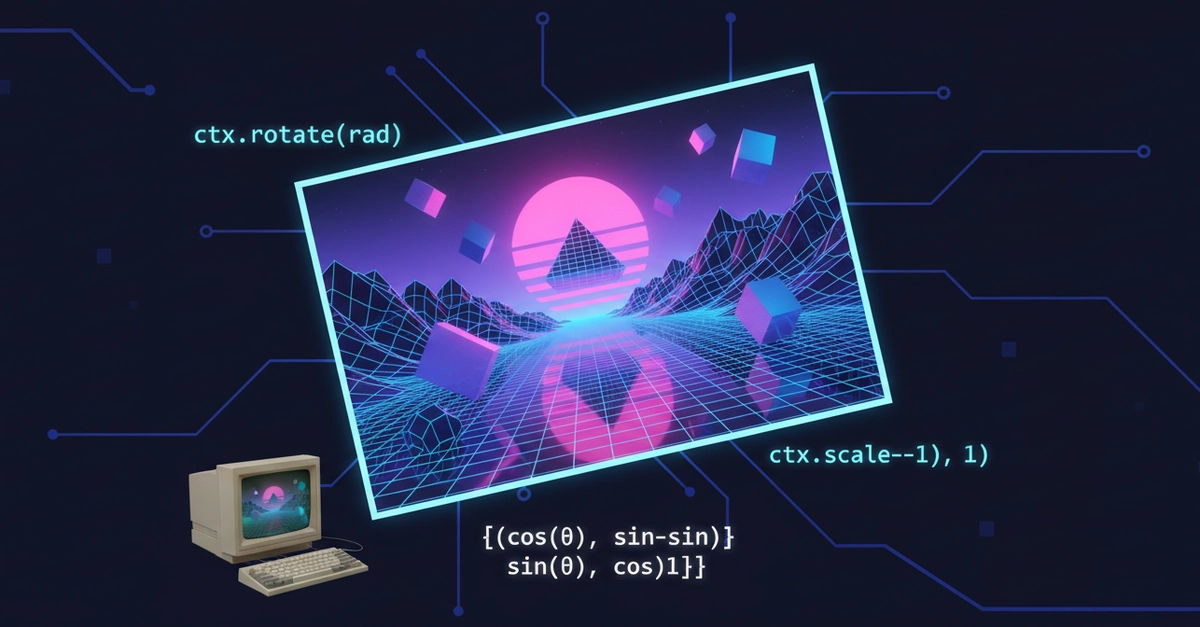
⚡ Key Takeaways
- Canvas rotation requires calculating a dynamic bounding box using trigonometry; a 45° rotation needs more space than the original dimensions 𝕏
- Preview with GPU-accelerated CSS transforms, export with Canvas API—this split keeps the UI snappy while ensuring accurate output 𝕏
- Transformation order is critical: translate to center, rotate, then flip, so flips apply to the already-rotated image, matching user intuition 𝕏
Worth sharing?
Get the best Open Source stories of the week in your inbox — no noise, no spam.
Originally reported by Dev.to
Related Stories

Developer Tools
Why This Streaming Analytics Site Ditched React for Vanilla JavaScript—and Won

Developer Tools
A Developer Built a Useless Web App That Fights Back—And It's Actually Brilliant

Open Source Projects
The 404 Page That Trolls You: Why Uselessness Is the Future of Web Fun

Developer Tools