AI isn’t just about chatbots anymore.
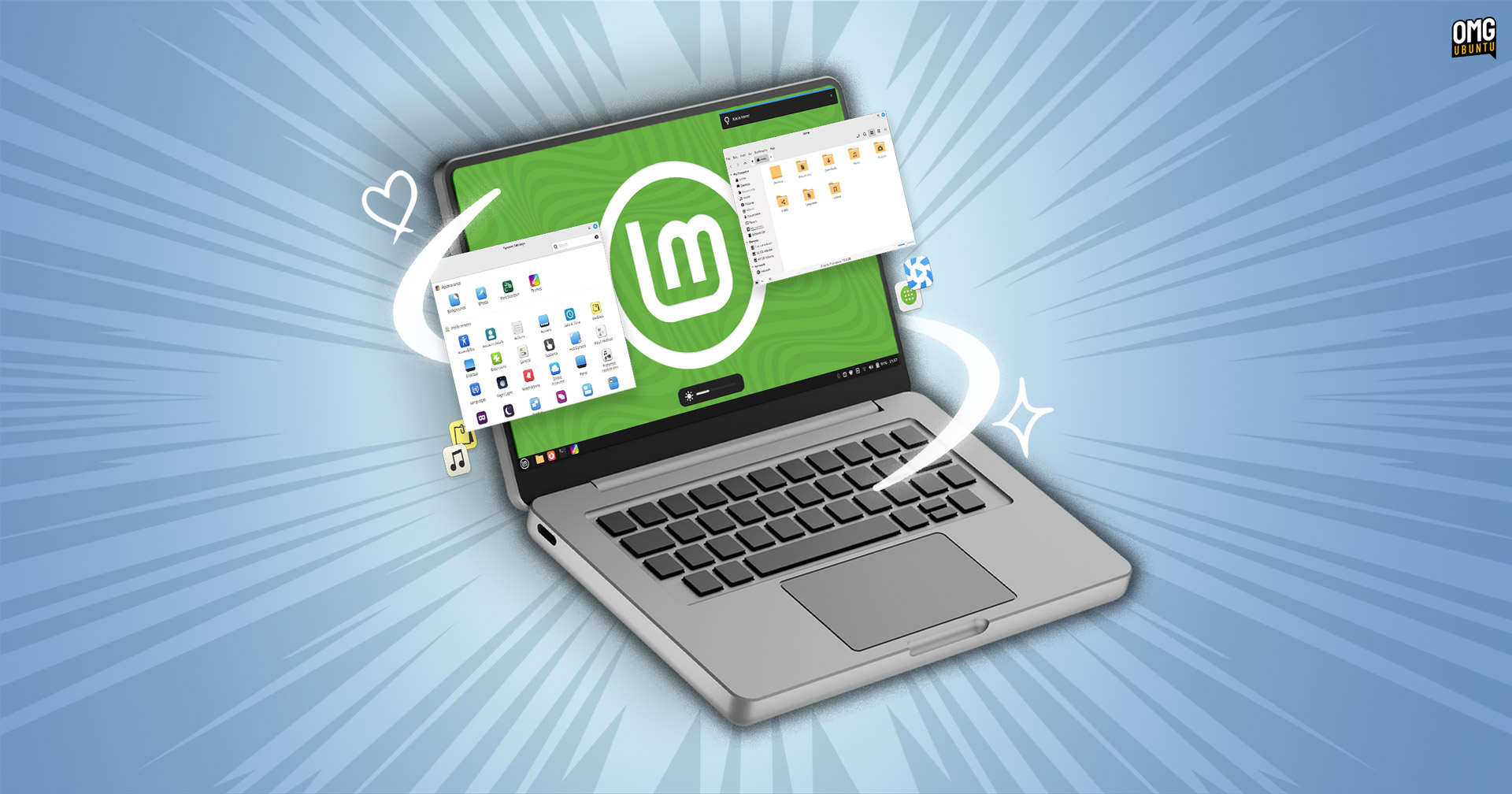
It’s a fundamental platform shift, like when electricity lit up the world, or the internet wove us all together. And this new screenshot tool for Cinnamon, the desktop environment powering Linux Mint, is a micro-example of that seismic shift – a tiny gear in the grand, AI-powered engine that’s slowly, surely, rebuilding our digital world. Because what’s happening here isn’t just about fixing window shadows; it’s about a smarter, more granular understanding of graphical elements, and that’s a preview of what’s to come.
**Shadows, Finally!
**Look, for years, taking a clean screenshot on Linux, especially on Cinnamon, felt like trying to grab smoke. The existing gnome-screenshot utility, bless its heart, would either butcher window shadows or leave these ghastly, dark pixelated ghosts clinging to the corners. It wasn’t just a minor annoyance; it was a visual blemish on otherwise pristine interfaces, especially if you were trying to document something for work or a tutorial. Imagine trying to explain a complex UI element, only for the screenshot to look like it had a bad case of the digital measles. It’s enough to make a grown developer weep.
But here’s the exciting part: the new native Cinnamon screenshot tool is poised to obliterate that problem. It’s built to handle the nuances between CSD (Client Side Decoration) and SSD (Server Side Decoration) windows, which is the technical jargon for how windows get their borders and shadows drawn. For CSD apps, it just works, capturing the shadows as they should be. For those trickier SSD applications, this new tool is clever enough to calculate and apply the shadow after the screenshot is taken. It’s like a digital artist meticulously adding depth and realism to a flat image, but happening instantly behind the scenes.
And it’s not just about adding shadows back; it’s about control. If you don’t want shadows, the tool smartly cleans up those pesky stray pixels around the corners, ensuring a crisp, unfettered window capture. This attention to detail is what separates a good tool from a great one, and frankly, it’s the kind of thoughtful design that gets me genuinely excited about the future of desktop environments.
“The new tool can take app window screenshots with shadows in tact (or not; it’s an option). For CSD it just works, while for SSD applications, the tool calculates and applies the shadow post-capture.”
**Beyond Pretty Pixels
**This isn’t just a superficial facelift, though. The new Cinnamon tool is packing more muscle. We’re talking full multi-monitor support, so you can capture everything across your entire setup in one go. Plus, an integrated cropping tool means you can whip your screenshots into shape before even hitting save. These aren’t flashy, headline-grabbing features, but they’re the bedrock of a genuinely useful utility.
And don’t worry, the beloved features from the old guard aren’t being left behind. Want to show your cursor? The pointer toggle is still there. Need to time a tricky menu reveal? The delay timer is back, ready to help you nail those perfect action shots. It’s a blend of the familiar and the new, designed to make your life easier.
**The Platform Shift in Action
This move by Linux Mint isn’t isolated. It’s part of a broader trend: an increasingly intelligent and context-aware digital environment. Think about how AI is powering smarter photo editing, more intuitive code completion, and even sophisticated design tools that anticipate your needs. This screenshot utility, with its nuanced understanding of window rendering and shadow composition, is a miniature manifestation of that same intelligence being baked into the very fabric of our operating systems. It’s a glimpse into a future where our software doesn’t just do things; it understands them.
When the next version of Cinnamon lands, expected around the Ubuntu 26.04 LTS release in late 2026, this new screenshot tool will be a quiet but powerful proof to that ongoing evolution. It’s a reminder that even seemingly small improvements, when built on a foundation of smarter processing, can have a profoundly human impact on our daily digital interactions. This is the platform shift in action, one perfectly rendered window shadow at a time.
Will This Affect Me if I Don’t Use Linux Mint?
Even if you’re not a Linux Mint user, the principles behind this new screenshot tool are illustrative of broader trends in user interface design and intelligent software. As developers across the board find new ways to use AI and advanced algorithms to understand and manipulate visual elements, expect to see similar improvements in screenshotting, screen recording, and other visual capture tools on other operating systems. It signals a move towards more sophisticated handling of graphical details.
How Does This New Tool Handle Different Window Types?
The new Cinnamon screenshot utility distinguishes between Client Side Decoration (CSD) and Server Side Decoration (SSD) windows. For CSD windows, it captures the shadow naturally as part of the window’s rendering. For SSD windows, which traditionally present more challenges for shadow capture, the tool intelligently calculates and applies the shadow effect post-capture, ensuring a consistent and accurate visual representation.
What Are CSD and SSD Windows?
CSD (Client Side Decoration) windows are applications where the application itself is responsible for drawing its title bar, buttons, and borders. SSD (Server Side Decoration) windows are where the operating system’s window manager draws these elements. This distinction matters for how window shadows are rendered and, consequently, how accurately they can be captured by screenshot tools.