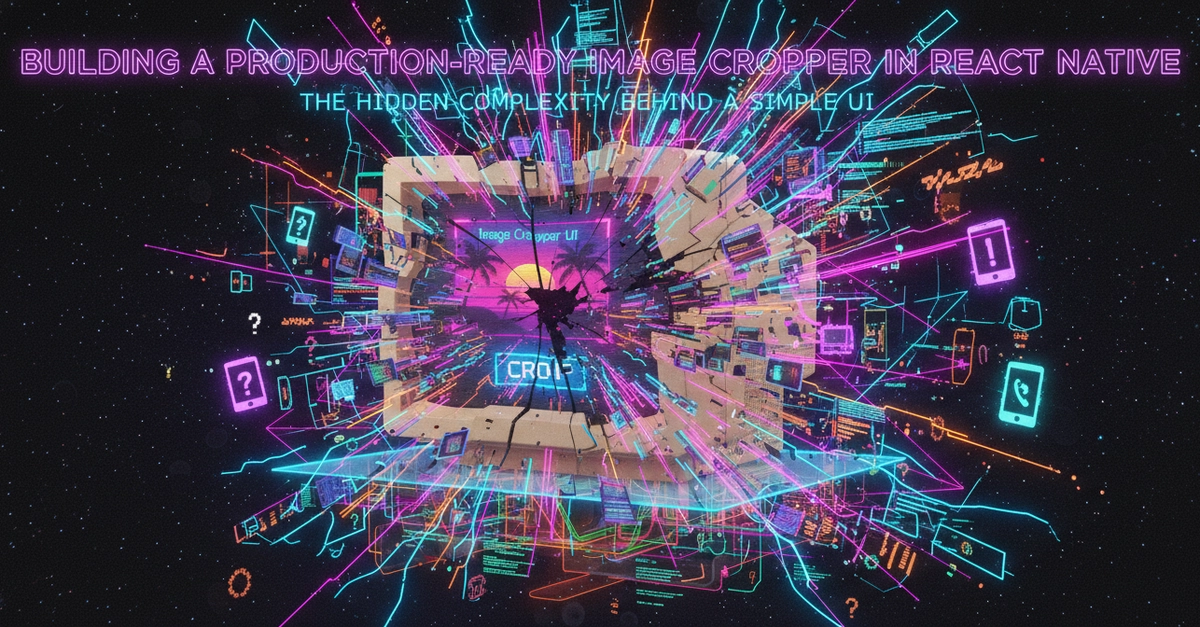
A user taps an image, a box appears, they adjust it, and voilà: a cropped picture. This is the user’s experience with image cropping. Simple. Elegant. But behind that perceived simplicity, especially within the nuances of React Native development, lies a surprisingly complex engineering challenge.
My recent encounter with a GeekyAnts engineering piece on building a production-ready image cropper in React Native wasn’t just informative; it was a stark reminder that even the most mundane UI elements can mask significant technical hurdles. This isn’t about slapping a few UI components together; it’s about architecting a feature that behaves predictably and performantly across diverse devices and scenarios.
So, what’s the real story? It boils down to the chasm between screen coordinates and image pixel space.
The Coordinate Conundrum
When an image is displayed in React Native, it’s rarely at its native resolution. It’s scaled, fitted, or potentially even clipped to match the available view. This scaling is key. A 100-pixel crop box on your phone’s screen doesn’t magically translate to 100 pixels in the original, much larger, image file. It could represent hundreds or even thousands of pixels, depending on the image’s original dimensions and how it’s been rendered.
Ignoring this conversion is a fast track to user frustration. That profile picture that looked just right in the app might appear noticeably off-center or mis-scaled in the final saved output. This isn’t a minor bug; it’s a fundamental breakdown in user expectation. A production-ready cropper must meticulously account for:
- The precise scaling factor applied to the image.
- The portion of the original image that’s actually visible within the UI.
- Any clipping that might be occurring.
- The exact placement of the crop box relative to the displayed image.
- The corresponding pixel coordinates within the original image file.
This meticulous calculation is the invisible engine that powers a polished user experience. Without it, you’re left with an experience that feels — and is — fundamentally broken.
Gestures, Constraints, and Consequences
Interactive elements, by their very nature, demand strong handling. Users expect to drag, resize, and manipulate the crop box with fluid precision. This isn’t just about smooth animations; it’s about respecting boundaries and maintaining visual integrity.
Consider the varied constraints that come into play:
- Aspect Ratios: A profile picture might require a square crop, while a banner image needs a specific widescreen ratio. Freeform cropping allows independent width and height adjustments. Each scenario imposes unique dimensional rules.
- Boundary Checks: The crop box can’t be dragged off-screen or shrunk beyond a minimum viable size. These constraints, while seemingly obvious, require constant, intelligent enforcement in the code.
- Minimum Dimensions: A user shouldn’t be able to resize a crop area to oblivion. Setting and respecting minimum size limits is crucial for usability.
The user perceives a simple interaction, but the underlying code is a complex dance of gesture recognition, constraint enforcement, and real-time boundary validation. It’s a proof to how much work goes into making something feel simple.
The Separation of Concerns: UI vs. Processing
One of the most elegant architectural decisions highlighted in the GeekyAnts article is the separation between gesture handling (UI) and actual image manipulation (processing). This is where performance truly shines or falters.
Allowing the crop window to move and resize smoothly while the user interacts is a UI-layer concern. It should be lightweight, responsive, and non-blocking. The heavy lifting – the actual cropping, resizing, and compression of the image data – should be deferred until the user explicitly confirms their selection.
Running computationally expensive image operations in real-time, as a user drags a corner of the crop box, would be a performance disaster, especially on less powerful devices. It would lead to jank, unresponsiveness, and a deeply frustrating user journey.
The optimal workflow, as described, follows a clean sequence:
- User interacts with the crop window (drag, resize).
- Lightweight UI state updates reflect the interaction.
- The system calculates the final crop parameters based on the UI state.
- Upon user confirmation, the image manipulation operation is executed.
- The resulting image is then processed (resized, compressed) for its final destination.
This architectural pattern is vital for maintaining a responsive interface and avoiding unnecessary strain on device resources. It’s the difference between a fluid, professional tool and a laggy, amateurish kludge.
Native Power for Heavy Lifting
React Native excels at building rich, interactive UIs, but when it comes to intensive image processing, JavaScript often hits a ceiling. The original article’s sensible approach involves leaning on native capabilities, specifically through libraries like expo-image-manipulator. This allows operations like cropping, resizing, and rotating to be handled by the device’s optimized native code, rather than attempting to process massive image data blobs within the JavaScript runtime.
This isn’t just a preference; it’s a necessity for production-grade applications where performance and efficiency are paramount. Relying on native modules ensures that these operations are executed with the speed and resourcefulness that the underlying platform is built for. It’s a pragmatic acknowledgment of React Native’s strengths and a smart embrace of platform-specific power.
The complexity isn’t in the idea of cropping an image. It’s in the faithful execution of that idea across countless edge cases, device capabilities, and user interaction patterns. Building a production-ready image cropper is a micro-engineering marvel, a silent symphony of calculations and native calls that underpin what appears to be a simple user action.
🧬 Related Insights
- Read more: Next.js Dominates: The Framework Behind Modern Web Development
- Read more: [Tutorial Breakdown] Voice AI Agent: Groq + FastAPI Hits 100x Speed
Frequently Asked Questions
What does expo-image-manipulator do?
expo-image-manipulator is a library that allows developers to perform image manipulation tasks (like cropping, resizing, rotating, and flipping) directly using native device capabilities within a React Native application, rather than processing image data in JavaScript.
Why is image scaling important for croppers? Image scaling is critical because the crop box is defined in screen coordinates, while the actual cropping happens on the original image pixels. The scaling factor of the image determines how a crop box on the screen corresponds to a region within the original image file, and ignoring this can lead to inaccurate results.
Is building a custom image cropper always necessary in React Native? Not always. For simple use cases, pre-built libraries might suffice. However, for production-ready applications demanding precise control, customizability, and optimal performance across various devices, understanding the underlying complexities often leads to building or heavily customizing a cropper solution.